
How to Beat Storefronts on Google Maps as a Service Area Business (Australia 2026)
Service area business losing the Map Pack to storefronts? The 2026 AU playbook: GBP setup, categories, reviews, suburb pages, what wins, what gets suspended.

If you run a service area business, you have probably watched a corner-shop competitor with worse reviews and a thinner website rank above you in the Map Pack. You have probably wondered whether the algorithm is broken or you are.
The honest answer is that proximity bias is real on generic near-me queries, that storefronts have a structural edge there, and that this is not your personal failure. It is also not the whole story. If you’re a service area business, there is a legitimate playbook for competing against pinned storefronts in local search, and most owners are leaving a lot of it untouched.
- Google Maps anchors your rank to your verified address, not the service-area polygon you draw on the map. That is Sterling Sky’s research, and it has held for years.
- Hiding your address (which Google requires if customers do not visit you) has a real cost. Whitespark’s 2026 Local Search Ranking Factors places a visible business address inside the top tier of individual Maps signals. You accept that cost and compensate elsewhere.
- The single biggest individual lever inside your control is your primary category. Whitespark calls it the most influential field on your Google Business Profile.
- Faking your way around proximity (virtual offices, residential addresses left public, name-stuffing without ASIC re-registration) is the single fastest way to lose the profile.
- Service area businesses can genuinely beat storefronts on long-tail, branded, emergency, niche specialist, organic, and AI search queries. That is where the work should go.
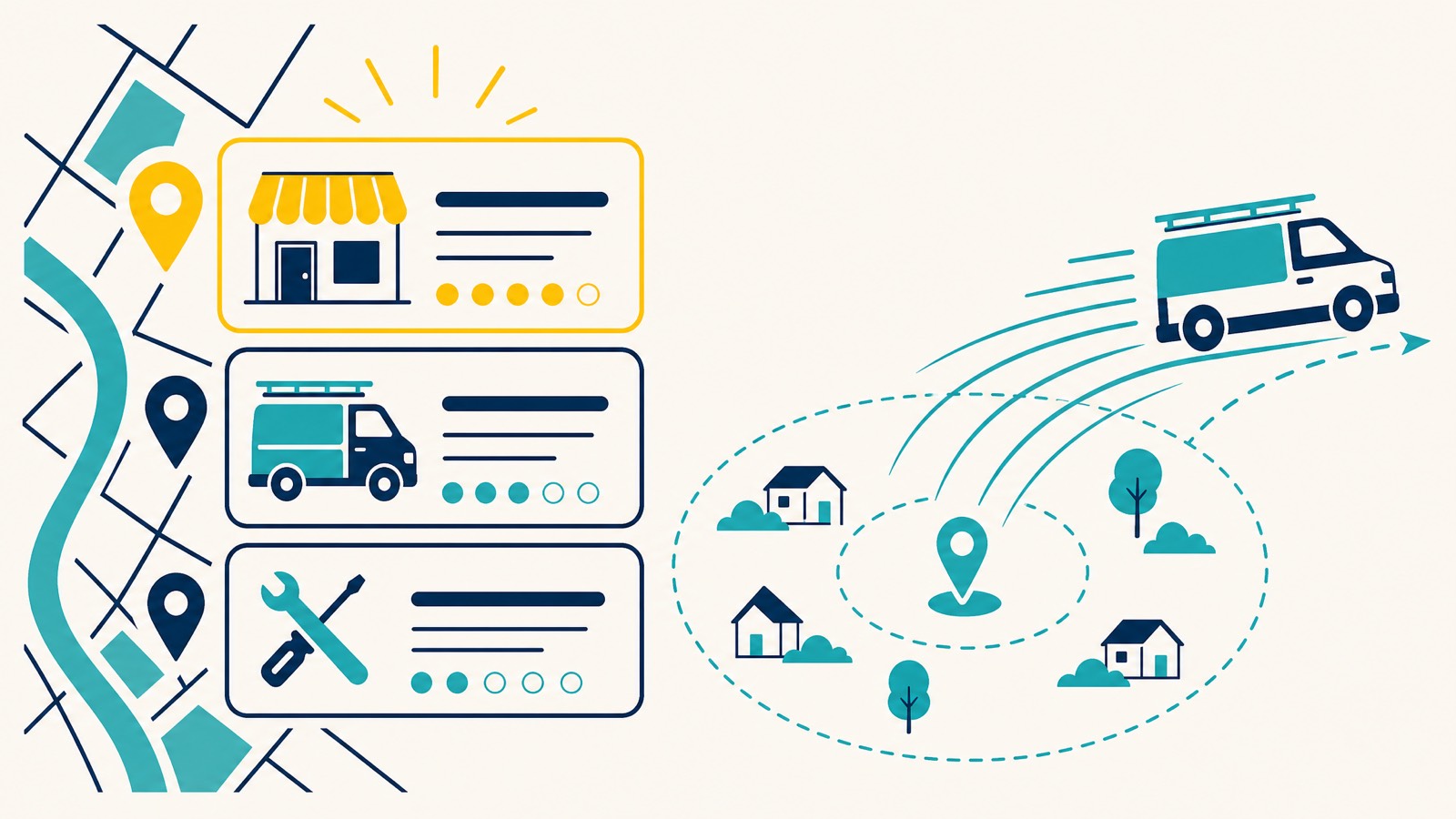
Why SABs Struggle Against Storefronts on Google Maps
Google says local rankings come down to three inputs: relevance, distance, and prominence. That is straight from Google’s own help page on local ranking. Two of those you can influence. Distance is set by where you are and where the searcher is when they hit enter.
For a generic search like “plumber near me” inside a dense suburb, Google’s algorithm leans heavily on distance. Google calculates that distance from your verified address to the customer’s location at the moment they search, not from the polygon you drew on the map. A pinned shopfront 800 metres from the searcher will usually be served before a hidden-address SAB sitting eight kilometres away, regardless of how much better the SAB’s reviews are. That is what people describe as proximity bias, and it is most obvious on broad, low-intent, near-me queries.
Hiding your address makes this harder, not easier. Whitespark’s 2026 Local Search Ranking Factors report, published in November by Darren Shaw, lists a visible business address as one of the most impactful individual signals on the Map Pack. Pure SABs follow Google’s policy and remove the address from public view. That is the correct choice. It is also a measurable cost.
This is the part most SAB-focused articles either skip or wave away with a “but if you optimise everything you will win” line. You probably will not. Not on the generic queries inside a storefront’s catchment. Once you accept that, the rest of the work gets a lot more useful.
How the Maps Algorithm Actually Treats Your SAB
The service area polygons you set in your Google Business Profile are a visual feature, not a ranking lever. Colan Nielsen at Sterling Sky has been tracking this on their own profile and client profiles for years. The drawn service area shows users where you operate. It does not move your rank.
What moves your rank is the address you verified the profile at. Google still calculates distance from that physical point, even when the address is hidden from public view. Sterling Sky’s own profile is the example they use. Their verified address sits in Uxbridge. They list Toronto as a service area. They do not rank for Toronto queries from Toronto. The polygon makes no difference. The address does.
This has two practical implications.
First, where you verify matters enormously. A mobile mechanic verifying from a home garage in an outer Perth suburb will have a much smaller effective ranking radius than the same mechanic verifying from a workshop near the CBD. Sterling Sky’s most direct piece of advice for SABs who cannot rank in their target city is to relocate the verification address to that city. We agree, with a caveat: the relocation has to be legitimate. A real workspace. Real signage if you want to convert to hybrid. Not a virtual office. Not a friend’s spare room you have never set foot in.
Second, the 20-service-area limit and the soft two-hour-drive boundary from Google’s official documentation are not really about ranking. They are about telling users where you can show up. Set them accurately. Do not set the whole of WA as your service area if you mostly work the Perth metro. Inflating the area waters down the relevance signal Google has about what you actually do. We trimmed exactly that kind of inflated area on a handyman profile and documented what followed in a local SEO case study, including why we are not claiming the trim alone moved the rankings.
For a deeper read on how distance specifically gets weighted, see our piece on Google Maps proximity ranking.
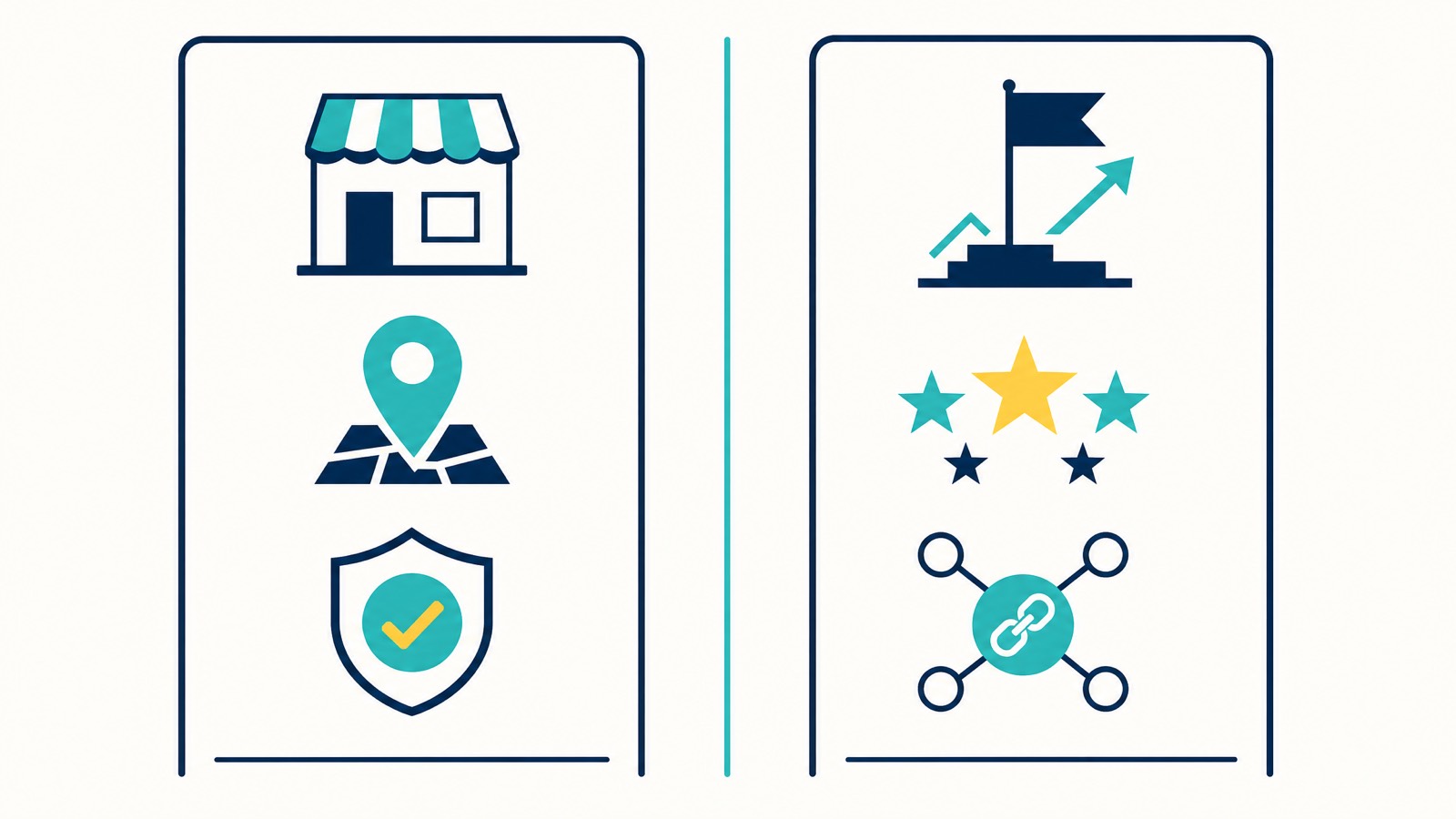
What You Can and Cannot Change
A lot of SAB content treats every lever as equally moveable. It is not. Here is the honest matrix.
| Factor | Can you move it? | Notes |
|---|---|---|
| Address visibility | Yes | Hide for pure SAB. Show only if you are a real hybrid with permanent on-site signage. |
| Verification address | Yes, by genuine relocation | Real workspace, real signage, real staff if you claim hybrid. |
| Primary category | Yes | Highest-impact individual lever per Whitespark 2026. |
| Secondary categories | Yes | Up to nine. Each is another query family you become eligible for. |
| Business name | Yes, only if you re-register with ASIC | Adding keywords to your GBP name without matching your ASIC registration is suspension bait. |
| Service area polygon | Yes, but it is visual only | Set it accurately for users. It does not move rank. |
| Reviews and review velocity | Yes, over time | Both ranking and conversion impact. |
| Service-area pages on your website | Yes | Done well, this is where organic SEO outperforms Maps. |
| Hyperlocal links and citations | Yes | Real local relevance, not raw domain authority. |
| Distance from any given searcher | No | Fixed by geography. |
Treat this as your priority order. The cheapest, fastest moves are at the top. The compounding moves are further down.
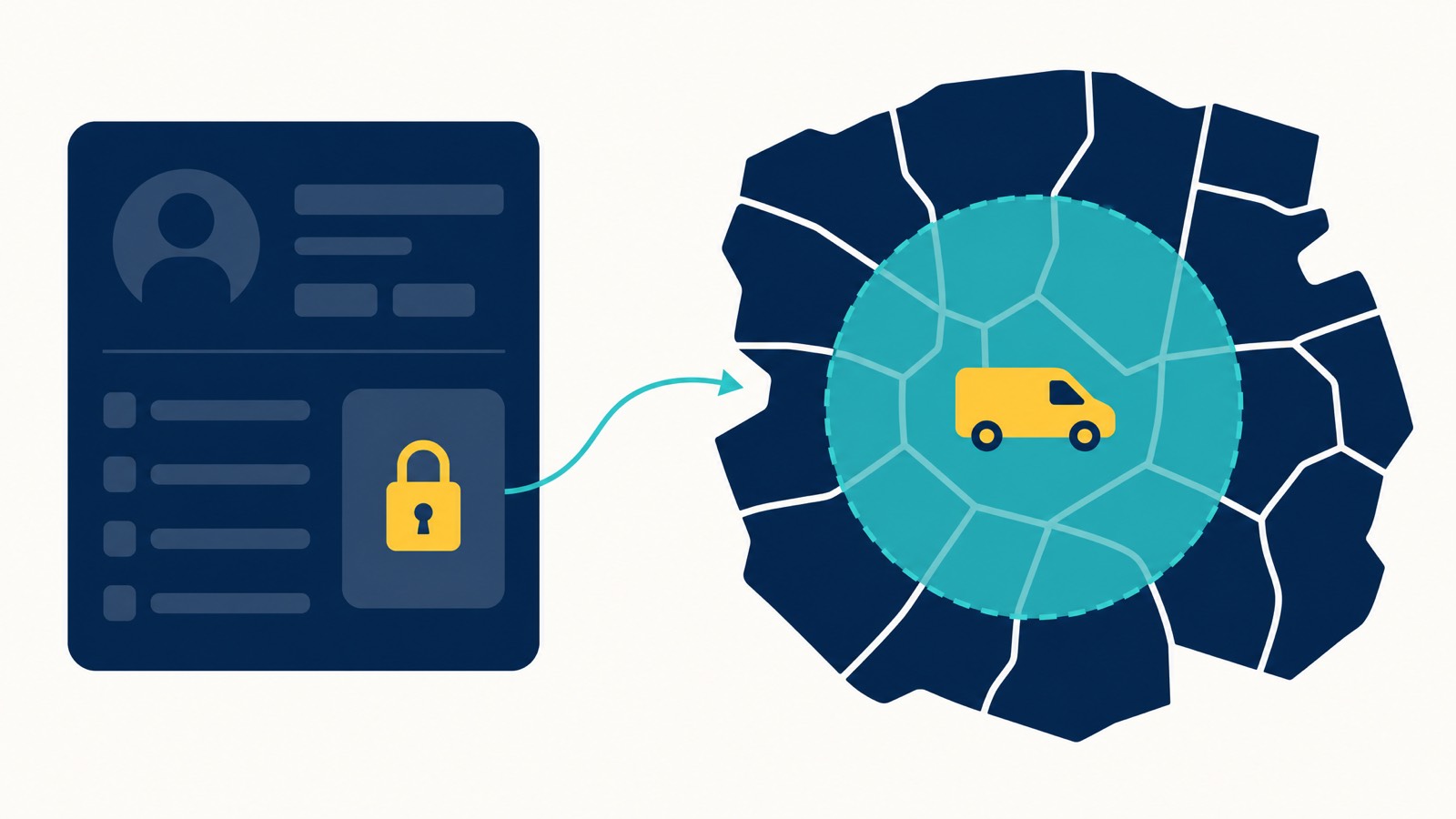
Set Up Your Google Business Profile the Right Way (No Spam Tricks)
Before you push for rankings, set up your Google Business Profile so it survives the next spam sweep. Most of the damage we untangle on SAB profiles came from a previous “growth hack” the owner read somewhere. Before any of the offence work, fix the defence.
Pure SAB vs Hybrid: Which Are You Actually?
Google’s service-area help page is clear on this. A pure service-area business is one that does not serve customers at the verified address. A hybrid is a business that serves customers at the address AND visits or delivers to them. The line Google draws for hybrid eligibility is permanent on-site signage. If you do not have public-facing signage on the building visible to a passing customer, you are not a hybrid. You are an SAB. Hide the address.
The single most reliable way to get a profile suspended is to show a residential or virtual address publicly when customers do not actually visit you there. Competitors flag it. The trust and safety team agrees. The profile disappears. We have written separately on why we only recommend front-end edits on GBP and the suspension exposure of any other approach.
The tradeoff nobody tells you: hiding the address can wreck your rankings
Whitespark’s 2026 Local Search Ranking Factors put “having a visible address” at #7 most influential local rank factor, and Sterling Sky’s controlled test showed hiding an SAB address tanked rankings until the address was put back.
Darren Shaw at Whitespark has documented two distinct ways this plays out.
Scenario 1: the ranking-radius revert. If your SAB has ever moved location (a common pattern: started in a suburb, moved to a city centre), hiding the new address appears to revert Google’s ranking radius to the original verification location. You stop ranking where you actually operate now.
Scenario 2: the random-pin bug. If you’ve never moved and you hide the address, Google attaches your ranking radius to a randomly-placed pin somewhere on the map. Whitespark argues this is a Google bug that needs fixing. Until it is fixed, hiding the address means losing visibility you can’t predict the direction of.
The practical implication for Australian SABs: if you can possibly have a staffed physical office at the address (customers don’t have to visit), show the address and configure GBP as a hybrid with “by appointment only” hours. The address becomes a ranking anchor without inviting walk-ins.
The only time hiding is genuinely necessary is when you work from a true residential address you can’t show for safety, family, or compliance reasons. That’s a real cost you’re paying for compliance, not a free choice. The relevance and prominence levers below are how you compensate.
The 5 Kings (NAPUC)
Name, Address, Phone, URL, Categories. These five fields are your foundation. They have to be internally consistent and they have to match the public record. For Australian businesses that means your name on the profile matches your ASIC business registration, minus the PTY LTD. Your address matches what you can prove with a utility bill. Your phone matches what Google can verify. Your URL is the live, indexable canonical. Your categories match what you actually do.
The full breakdown sits in our piece on how to avoid GBP suspension before it happens. Read it before you touch anything.
Categories: Your Single Biggest Individual Lever
Whitespark’s 2026 ranking factors put primary category at the top of the individual Maps signals. Choose the most specific category that matches the search you want to win, not the broadest one. A criminal defence lawyer should not be a “Lawyer”. A mobile diesel mechanic should not be an “Auto Repair Shop” if “Mobile Mechanic” exists. The most specific category that matches your highest-revenue service is almost always the right choice.
Add up to nine secondary categories that genuinely describe services you offer. Audit what competitors at the top of your Map Pack are using. Our guide on auditing competitor Google Business Profiles walks through the process.
Fill in attributes. Attributes are not magic, but they are a relevance signal Google reads.
The AU Evidence Pack
If you are setting up the profile, expecting video verification, or reinstating, prepare this pack before you start. The verification process for an Australian SAB usually combines video verification with documentary evidence, and these are the documents Google’s reviewers actually accept.
- Current ASIC business name extract.
- Recent utility bill (within 90 days) in your business name at the verification address.
- Industry licence where applicable: master plumber, electrical contractor, real estate licence, conveyancer’s licence, broker accreditation.
- Commercial lease (if applicable to your setup).
- Clear photos of your branded vehicle, equipment, signage, and uniform.
Do not bother submitting ABN extracts alone, tax invoices, BAS statements, photo ID, or your public liability certificate. These do not satisfy Google for SAB verification. We see them rejected every week.
What Not To Do
A short list, because the cost of getting it wrong is the profile.
- No virtual offices. Regus, mailbox addresses, coworking-only spaces with no real workspace allocation.
- No PO boxes.
- No residential address shown publicly for a pure SAB.
- No keyword-stuffed name unless you re-register with ASIC first.
- No fake hybrid setup. If you do not have permanent on-site signage that a customer would notice from the street, you are not hybrid.
These are not edge cases. They are direct breaches of Google’s guidelines, and a compliant profile beats a clever-but-fragile one every time.
Website Architecture That Outscales Storefronts
Maps is one algorithm. Organic search is another. Distance gets weighted less in organic. That is where SABs catch up, and it is the half of local SEO in Perth’s outer suburbs that most van-based operators leave unbuilt.
The pattern that works is hub-and-spoke. One strong service hub page for each core service. Suburb-level location pages that genuinely cover that suburb, not city-swap doorway pages. Google has been demoting templated location pages for years. The fastest way to thin pages is to write one decent page about a service and then duplicate it twelve times with the suburb name swapped. Do not do that.
Real suburb pages include:
- Job photos taken in that suburb.
- Named streets, estates, or landmarks where you have worked.
- Suburb-specific FAQs (parking, access, common house ages, common appliance brands in that area, council quirks).
- Testimonials from real customers in that suburb.
- An embedded service-area map.
- Pricing or timing context that is honest for that geography.
If you do not have material for the suburb yet, do not publish the page. Publish four real ones rather than fifteen thin ones. Our SAB local SEO guide and the location pages walkthrough cover the rest.
While you are at it, give Google clean structured data so the relevance signal is unambiguous. We use the schema patterns in our local schema markup guide as a default for SAB clients.
Reviews as a Proximity Equaliser
Reviews carry weight on both sides of the equation. They are a ranking signal and a conversion signal. Whitespark’s 2026 report keeps review frequency, quantity, and rating in the top tier. BrightLocal’s 2025 Local Consumer Review Survey reports 81% of consumers using Google to read reviews and 96% open to writing one for a business they used. The behaviour is well established.
What actually moves an SAB on Maps is the combination of:
- Volume over time, not a one-week sprint.
- A consistent rate of new reviews coming in (recency).
- Reviewers who mention the service and the suburb in their own words.
- Owner replies that mention the suburb naturally, without sounding scripted.
Most owners think their review problem is volume. It is usually pattern. Ten new reviews this quarter that each mention the service and the suburb beat fifty reviews from three years ago that say “great service”.
The semantic side is where most SABs leave value on the table. A review that says “blocked drain in Coogee, came out within the hour” tells Google three things: that you service Coogee, that you do blocked drains, and that you are responsive. A “great service, thanks” review does not.
Coach your team to ask for the review at the right moment, by SMS, with a one-line prompt that nudges the customer toward mentioning what you did and where. Do not script the review. Do not pay for them. Do not gate them by star rating. Diversify across Google, Facebook, and the relevant Australian platforms for your trade (hipages, Product Review, RateMyAgent for property).
Hyperlocal Links and Citations
The link side of SAB SEO is more about geographic relevance than raw authority.
Citations first. Get the foundation right across the major Australian directories: True Local, Yellow Pages, Hotfrog, dLook, Yelp Australia. Then the trade-specific platforms: hipages, Service Seeking, ProductReview, industry association directories. Oneflare closed on 30 June 2026 and now redirects to Airtasker, so do not list there. NAPUC consistency across every listing. Do not list a slightly different version of your business name on each one. Avoid auto-submission services that fire your details into 200 low-quality directories. The work is to be present where customers and Google actually look, not to be everywhere.
The link side is where many SABs over-rotate on metrics. A DR-12 link from your local junior football club, where you are the printed shirt sponsor with a logo on the team page, is worth more for your Coogee rankings than a generic DR-50 listicle backlink built by a content marketing agency. Sponsor a school fete, the local Rotary or Chamber, a community sports team, a fundraiser. Co-author a guide with a complementary local business. Get mentioned in suburb-specific community pages or local newspaper sites.
| Link Type | Local Relevance | Typical Cost | Worth Chasing? |
|---|---|---|---|
| Local sports club sponsor page | Very high | Low | Yes |
| School fete or P&C sponsor | Very high | Low | Yes |
| Local community blog or suburb Facebook page mention | High | Free | Yes |
| Chamber of commerce listing | Medium-high | Medium | Yes |
| Local news mention | Very high | Free, hard to earn | Yes |
| Industry-specific directory listing (hipages) | Medium | Low to medium | Yes |
| Generic high-DR listicle link | Low | Often expensive | No |
| Foreign blog network | None | Cheap | No |
If you are not sure how Google reads these signals together, our piece on entities in local SEO is the longer read.

Where SABs Genuinely Beat Storefronts
This is the section most articles skip. Where can you actually win, and where should you stop trying?
Stop trying to win generic, broad, near-me queries inside a competitor storefront’s catchment. A 200-metre-from-the-searcher pinned plumbing showroom will beat your hidden-address profile on “plumber near me” inside the Perth CBD most of the time. Do not pour budget into that fight.
Put the budget into queries where you can win.
| Query Type | Example | Who tends to win |
|---|---|---|
| Long-tail “service + suburb" | "hot water system replacement Inglewood” | Whoever has the best matched service-area page and entity. SABs can win. |
| Specialist or niche | ”mobile mechanic for European cars Subiaco”, “mortgage broker for FIFO workers Perth” | Whoever has the most relevant content. SABs win these often. |
| Emergency or urgency | ”24/7 emergency locksmith Cottesloe” | Whoever shows up most often for that specific suburb pair. SABs with the right content win. |
| Branded | ”Smith Plumbing Coogee” | The brand. Every SAB wins this if their setup is clean. |
| Generic near-me inside CBD | ”electrician near me” inside Perth CBD | The pinned storefront within 500m. SABs usually lose this. |
| Organic SERPs (not Map Pack) | “best mortgage broker Joondalup” feature article | Whoever has the strongest content and entity, less proximity weighting. SABs can win. |
| AI Overviews and AI search | ”who do I call for a blocked drain in Subiaco at 9pm” | Whoever has the strongest entity. The pin matters less here. |
The 2026 Whitespark report folded AI search visibility into its ranking factors for the first time. The pattern is the same signals you build for Maps and organic, channelled into a slightly different surface. An AI Overview answering “who do I call for a blocked drain in Subiaco at 9pm” does not need to compute distance the same way the Map Pack does. It is choosing the entity it trusts most for that query. That is a different game, and it favours profiles with depth over profiles with proximity.
A quick note on Local Services Ads (LSAs). US guides love to point to LSAs as the SAB cheat code, pay-per-lead, sit above the Map Pack, done. They are not available in Australia today. No Australian trade category, no city workaround, no legitimate way to run Google Guaranteed LSAs for an Australian business. Anyone telling you otherwise is selling you the wrong thing. The honest, sourced picture is in our Google Local Service Ads in Australia guide. Until LSAs land here, the lever for an Australian SAB is Map Pack visibility, complete profile signals, and standard Google Ads, not LSAs.
If you have done the GBP setup, the reviews, the suburb pages, and the citations, and you still cannot crack a particular suburb, that is your signal that the suburb belongs to a storefront. Document it. Move to the next one.
Cleaning Up Competitor Listings on the Map
Some of your competitors are not playing by the same rules. Keyword-stuffed business names that do not match a registered name. Virtual office addresses. Duplicate listings. Businesses with no actual presence in the suburb. Reporting these is legitimate and worth doing.
Reporting Non-Compliant Listings
Use Google’s business redressal form for each spam listing. Document the violation, capture the evidence (screenshot of the public listing, the ASIC search showing the registered name mismatch, the street view showing no real premises), submit, and move on. Categories of listings worth reporting:
- A duplicate listing for the same business at multiple addresses.
- A hidden-address listing that quietly converted back to a public residential address.
- A pinned listing at a virtual office or mailbox address.
- A keyword-stuffed name that does not match any ASIC registration.
Two things to avoid. First, do not turn it into a full-time job. Spam reporting compounds slowly. Spending an hour a week on it is sensible. Spending half your week on it means you are not doing the work that actually moves your own rankings. Second, do not report listings that are simply better optimised than yours. That is not spam. That is competition.
If you are unsure whether a competitor listing is genuinely non-compliant or just operating in a grey area, our guide to local keyword research walks through how to identify your real competitors.
Monitor and Adjust by Suburb
You cannot tell how an SAB is performing by looking at a single Google search from your office. You see your office’s local result every time. Use a geo-grid tool. Local Falcon, BrightLocal’s grid, or the Whitespark equivalent will scan a grid of points across your service area and show you exactly where you rank for the queries that matter.
The pattern you are looking for is a ring of strong rankings around your verification address that decays as you move outward. The decay is normal. What matters is the rate. A profile with strong relevance and prominence signals decays slowly. A profile with weak signals decays sharply. Where the decay is fastest, that is your tell that a specific lever (usually category, reviews, or website structure) is weak.
Our geo-grid local ranking tools breakdown has the practitioner detail.
A Realistic 90-Day SAB Plan
Order matters. Doing the suburb pages before the categories is wasted work. Here is the sequence.
Days 1 to 30: Foundation
- Confirm whether you are a pure SAB or a real hybrid. Hide the address if you are pure SAB.
- Match the business name on the profile to your ASIC registration. Stop any keyword-stuffing that is not on the ASIC record.
- Lock in the most specific primary category. Add up to nine relevant secondary categories.
- Clean NAPUC across the major AU citation listings.
- Audit your URL choice. The page you link from the profile should be the most service-and-location-relevant page on your site, not the homepage.
- Make sure your AU evidence pack is ready in case you get pulled into verification.
If the only thing you do this month is fix the primary category and the business name, you will probably see movement before the next 30 days are up.
Days 31 to 60: Content and Reviews
- Audit your service-area pages. Kill or rewrite the thin ones. Build out three to five real suburb pages with the quality bar above.
- Install a review-request workflow that fires after every completed job, by SMS, with a prompt that nudges natural mentions of service and suburb.
- Begin replying to every review with one short, suburb-aware sentence.
- Begin publishing Google Posts weekly. Keep them job-specific where possible.
Days 61 to 90: Links, AI, paid
- Land three to six genuine hyperlocal links. Sponsorships, community pages, local press.
- Set up standard Google Ads for your highest-intent commercial queries in the suburbs you cannot crack organically (LSAs are not available in Australia, so this is your paid lever).
- Run your first geo-grid scan. Document where you rank and where you do not.
- Decide which suburbs you keep pushing and which you accept as storefront territory.
A genuine note on timelines: we usually see significant lift on SAB clients in the 60 to 90 day window when the work is sequenced like this. It is an observation across our book, not a guarantee. Markets vary, competition varies, and the algorithm moves.
When to Call in Help
If you have worked through the above and the rankings are still inconsistent, the diagnosis is almost always one of three things. Either the category is mismatched, the name is in a grey zone with ASIC, or the website architecture is doing more damage than the GBP work can offset. None of those get fixed by a checklist.
If you want a senior set of eyes on it, or email seo@searchscope.com.au. We do not run cookie-cutter SAB plans. We diagnose what is actually broken in your local search picture, prioritise the move that will return the most, and tell you honestly when a suburb is not worth chasing.
For the broader context on how we approach Google Maps work, see Google Maps SEO and our GBP optimisation guide.
FAQ
Does hiding my address hurt my Map rankings?
It has a real cost. Whitespark’s 2026 Local Search Ranking Factors lists a visible business address among the top individual Maps signals. Hiding it reduces effective ranking radius. But hiding is the correct move for a pure SAB because Google’s own policy requires it when customers do not visit you at the address. The fix is not to keep the address visible. It is to compensate elsewhere with category accuracy, reviews, and content.
Can I still rank on Google Maps without a storefront?
Yes, within limits. Your verified address still anchors how Google calculates distance, so your effective ranking radius is centred on that point. You will not dominate a metro from one suburb. You can rank well in your immediate catchment and compete strongly across organic search and AI Overviews where proximity is weighted less. Verification still happens, hidden-address SABs complete the verification process via video plus the AU evidence pack.
Is a virtual office or PO box ever okay for a GBP?
No. Virtual offices, mailbox-only addresses, and PO boxes do not satisfy Google’s verification requirements. Showing them publicly, or even using them as the verified address, is one of the most reliable ways to get a profile suspended. Competitors flag them, and Google’s trust and safety team agrees.
How long does it take to see Map ranking lift for an SAB?
When the work is sequenced properly, we usually see meaningful movement in 60 to 90 days, with compounding gains beyond that as reviews accumulate and content matures. It is an observation, not a guarantee. If everything is broken and the address is in the wrong suburb, longer.
Are Local Services Ads available in Australia for service area businesses?
No. Google Local Service Ads (LSAs) are not available in Australia for any trade category. Google’s official Local Services sign-up flow has no Australian categories, no city workarounds, and no legitimate way to run Google Guaranteed LSAs here. Any blog post or “expert” telling you otherwise is wrong, the full sourced explanation is in our Google Local Service Ads in Australia guide, linked above. Until they launch, standard Google Ads is your paid lever, not LSAs.
Should I stuff keywords into my business name?
Only if your registered ASIC business name actually contains those words. The name on your GBP needs to match the name on the ASIC record (minus the PTY LTD). Adding service or location keywords that are not on the registration is the most common name-policy violation and a frequent suspension trigger.
How many service areas can I list on my GBP?
Up to 20. Google’s soft guideline is that the overall area should not exceed roughly a two-hour drive from your verified address. Set them accurately. Inflating the area dilutes the relevance signal about what you actually do and where.
What is the difference between a pure SAB and a hybrid business?
A pure SAB does not serve customers at the verified address. The address is hidden. A hybrid serves customers at the address AND visits or delivers to them. Google’s bar for hybrid eligibility is permanent on-site signage that a customer would notice from the street. No signage means no hybrid. Trying to claim hybrid status without signage is suspension bait.