
How to Create Location Pages for Local SEO (2026 Australian Guide)
Practical 2026 guide to building location pages that rank: page anatomy, LocalBusiness schema, publishing pace, and staying clear of Scaled Content Abuse.

Want more local customers? Start with location pages. These pages help your business rank higher in local searches and make it easier for nearby customers to find you. Here’s how to do it:
- Include essential business info: Add your name, address, phone number, trading hours, and parking details.
- Write area-specific content: Mention local landmarks, services, pricing, and even team profiles.
- Boost engagement: Use Google Maps, click-to-call buttons, and photos of your location.
- Optimise for SEO: Use local keywords like “plumber in Perth” and structured data for better search visibility.
- Keep it updated: Regularly refresh service details, testimonials, and community events.
Done properly, these pages earn rankings for suburbs you would otherwise never show up in.
Understanding location pages
Location pages are dedicated landing pages designed to target specific geographic areas your business serves. Think of them as digital storefronts for each location, making it easier for search engines to identify your service areas and connect local customers to your business.
At Search Scope, we heavily rely on location landing pages for both our local and national clients, as they help generate leads and send the right signal to Google. They only work as part of a wider local SEO strategy, not as a standalone tactic.
Key Elements for Effective Location Pages
To create a location page that works well for both users and search engines, make sure to include these essential components:
- Business Information
Provide full details, such as your business name, address, and phone number (NAP), trading hours, parking options, public transport access, and service area coverage. - Location-Specific Content
Add information tailored to the area, including descriptions of the neighbourhood, nearby landmarks, services offered at that location, suburb-specific pricing, profiles of local team members, and photos of the location and its surroundings. - Interactive Features
Include tools like embedded Google Maps, directions from key landmarks, click-to-call buttons, contact forms pre-filled with location details, and even virtual tours to engage visitors.
One caveat on the NAP and photo advice above: it assumes you have a real, staffed premises in that suburb. If you are a service-area business travelling to customers, do not publish an address you do not trade from, and do not use stock or unrelated “location” photos. Lead with the suburbs you cover, travel times and job photos taken in the area instead, and use areaServed in your schema rather than a streetAddress you cannot stand behind. Our guide to local SEO for service-area businesses covers the difference in full.
If you want to rank in the map pack, your Google Maps SEO has to be dialled in first. Location pages support that work, they do not replace it.
How Location Pages Boost Local Rankings
Well-optimised location pages play a major role in improving your visibility in local search results. Here’s how:
Geographic Accuracy
By clearly outlining your service areas, these pages help search engines match your business with “near me” searches and other location-based queries.
Improved Local Search Presence
Location pages enhance your visibility in Google Maps and organic search results, particularly in local pack rankings, area-specific searches, and mobile results.
Better Engagement Metrics
A page written for one suburb usually holds attention better than a generic services page, because the reader recognises the streets, landmarks and travel times being described.
Building Local Authority
These pages act as a hub for establishing credibility in the community. Features like customer reviews, mentions in local directories, and references to neighbourhood landmarks can help build trust and authority.

The anatomy of a high-performing location page combines local trust signals (reviews, photos, embedded map, click-to-call CTAs) with genuinely suburb-specific content that demonstrates real local presence. How much of the page is genuinely suburb-specific (covered below) is what separates pages that rank from pages that get stuck in “Crawled, currently not indexed”.
Building Location Pages
Finding Local Keywords
To attract local customers, focus on the keywords they use when searching for your services. For instance, if you’re a plumber in Perth, aim for terms like “emergency plumber Fremantle” or “24/7 plumber Scarborough.” Map them first, then build the page using our location pages master guide, which covers the structure that makes each one rank on its own.
Google’s Keyword Planner can help you uncover location-specific search trends:
- Analyse search patterns by suburb or region.
- Spot any seasonal changes in local search behaviour.
- Find long-tail keywords tied to specific locations.
- Track “near me” searches relevant to your service areas.
Incorporate these keywords into well-written, localised content to boost your visibility. If you want a technical breakdown of your keyword gaps and opportunities, a proper SEO audit will expose what’s missing.
Creating Area-Specific Content
Write tailored content that resonates with local audiences:
Local Market Insights
Discuss trends, property values, and demographics specific to your area. For example, if you’re a real estate agent in Melbourne, highlight suburb-specific market trends, median house prices, and new development projects. This depth of local-market content is what we build for real estate agent SEO, and it is what separates a page that ranks from a thin suburb stub.
Community-Focused Information
Include details that connect your business to the local community, such as:
- Landmarks and attractions
- Upcoming events
- Prominent local businesses
- Public transport options
- Parking availability
Customised Services
Show how your services meet local needs. For instance, if you offer pest control in Brisbane, explain common pest issues in various suburbs and how your solutions address them.
Setting Up Page Structure
Use a consistent, location-based URL format:
example.com.au/locations/suburb-name example.com.au/suburb-name/service-typeTitle Tags and Meta Descriptions
Include location keywords naturally in your meta elements:
Title: [Service] in [Suburb] | [Business Name] | [City] Meta Description: Professional [service] in [suburb]. Serving local residents with [unique value proposition]. Call [phone] for [benefit].Header Organisation
Structure your headings for clarity:
- H1: Main service + location
- H2: Key service areas or features
- H3: Suburb-specific details
- H4: Supporting information and subsections
If you’re targeting a specific suburb or region, build out a cluster of suburb pages and interlink them. For example, if you’re based in Victoria Park, your Victoria Park SEO services page should be the hub, with spokes to each surrounding suburb.
How fast should you publish location pages?
In 2026, creating hundreds of pages has become as simple as pressing a button with AI tools like Claude, GPT-5, Lovable or Bolt. But Google’s indexation systems are increasingly cautious about volume-driven content launches, and the March 2024 Scaled Content Abuse policy covers pages mass-produced primarily to rank, which is exactly what a bulk suburb-page rollout looks like. Enforcement has also got faster: the March 2026 spam update rolled out in under 24 hours.
The publishing pace we work to in 2026:
Recommended location-page publishing pace by site age (2026)
Newer domains need conservative pacing to avoid indexation queues and Scaled Content Abuse triggers. Established sites with strong indexation track records can scale faster. These are the paces we use on Search Scope client rollouts, not published Google guidance, so adjust yours against your own Search Console indexation rate.
Begin conservatively. For newer domains, launch one page per week maximum. This deliberate pace lets you build a foundation and monitor how effectively content gets indexed.
After several weeks of consistent publishing and confirmation that pages are reaching the index, gradually increase to two or three pages per week, and only push beyond that (up to about five) once an established domain has a clean indexation record. Scale off actual indexing performance rather than the calendar: check Google Search Console’s Coverage report before each increase.
Resist the temptation to publish dozens of pages at once. In the rollouts we have audited, bulk-generated location pages routinely stall at “Crawled, currently not indexed”, and a page that never reaches the index cannot rank for anything.
Make the suburb-specific part the bulk of the page. Google publishes no uniqueness percentage, so use a practical test instead: strip out the suburb name and the boilerplate, and see whether anything specific to that area is left. Each page needs several paragraphs that only make sense for that one suburb (landmarks, postcode, local testimonials, parking specifics, council permit notes, transport access). Without that, the page reads as templated to Google’s quality systems and tends to sit in the unindexed bucket.
SEO and User Experience Tips
Adding Location Schema
Use structured data markup to make it easier for search engines to understand your location pages. Focus on the LocalBusiness schema type and include key details like:
- Business name and address
- Operating hours
- Service areas
- Contact information
- Geographic coordinates
Here’s an example of the schema structure you can use for location pages:
{ "@type": "LocalBusiness", "name": "Your Business Name", "address": { "@type": "PostalAddress", "streetAddress": "123 Main Street", "addressLocality": "Suburb", "addressRegion": "State", "postalCode": "1234" }, "geo": { "@type": "GeoCoordinates", "latitude": "-31.9523", "longitude": "115.8613" } }After implementing the schema, test it using Google’s Rich Results Testing Tool to ensure accuracy, and work through our full guide to local schema validation to confirm the markup is valid before you rely on it.
Building Local Links
Internal Navigation
- Link neighbouring suburb pages.
- Connect service pages to relevant location pages.
- Add location-specific case studies.
- Include suburb-specific testimonials.
Local Directory Links
Boost your authority by listing your business in local directories, such as:
- Council business directories
- Chamber of commerce listings
- Local business associations
- Community notice boards
- Area-specific business groups
Ensure your business details across all Australian citations match your schema markup exactly.
Mobile and Speed Optimisation
Mobile Considerations
- Use responsive design to fit all screen sizes.
- Add click-to-call buttons for easy contact.
- Embed Google Maps for quick navigation but be careful where you add them as they tend to slow pages.
- Include mobile-friendly contact forms.
- Ensure text is legible without zooming.
Speed Optimisation
- Compress images using WebP format.
- Minimise JavaScript and CSS file sizes.
- Enable browser caching.
- Use a content delivery network (CDN).
- Implement lazy loading for images.
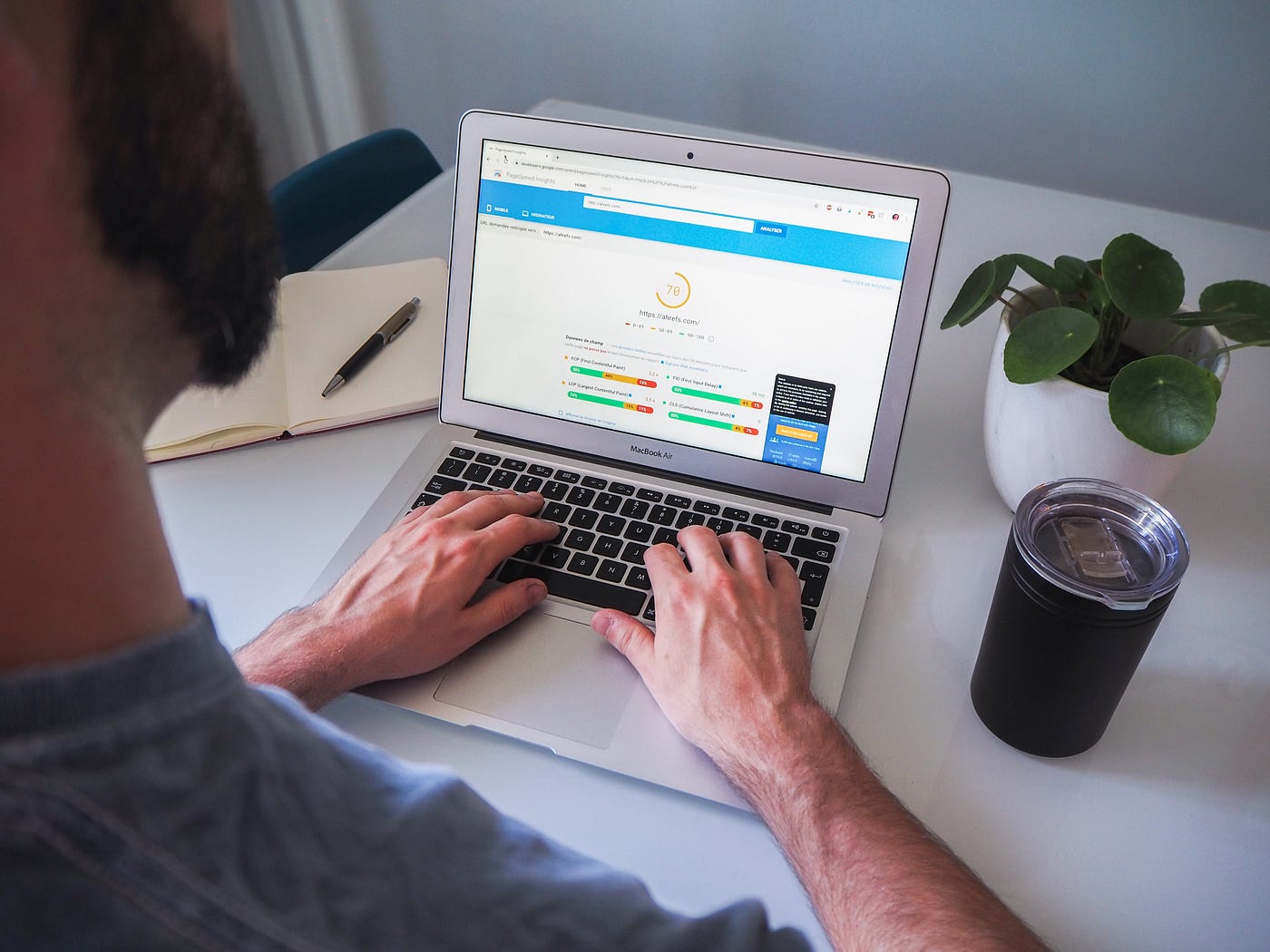
Aim for a mobile PageSpeed Insights performance score inside Google’s “good” band, which starts at 90. Our guide to improving local website speed works through how to get a slow local site into that band.
Ongoing Page Management
Content Updates
Keeping location pages up-to-date is crucial. Focus on these areas:
Regular Information Reviews
Check these details every quarter:
- Operating hours
- Service boundaries
- Contact details
- Staff information
- Promotions
- Seasonal changes
Customer Feedback Integration
Refresh testimonials every 2 to 3 months to showcase suburb-specific experiences. Pro-Tip: Use a dedicated plugin or script that pulls up to date reviews from your GBP to avoid doing it manually!
Local Event Coverage
Highlight community events, sponsorships, neighbourhood initiatives, local case studies, and recently completed projects.
Service Area Updates
Adjust service area details to reflect changes like new infrastructure, boundary shifts, population growth, or evolving demand.
Tracking Results
Keep an eye on these metrics:
| Metric | What to monitor | How to read it |
|---|---|---|
| Indexation | Search Console page status | Indexed, or stuck in “Crawled, currently not indexed” |
| Impressions | Search Console, filtered to the suburb page | Rising over a rolling 28 days once indexed |
| Engaged sessions | GA4, per location page | Compare each suburb page against your own site median |
| Enquiries | Form submissions and calls tagged by suburb | Attributable leads per page per month |
| Local rankings | Rank tracker position for the suburb term | Position trend, not a single snapshot |
Set your own baselines from the first three pages you publish. Any fixed benchmark you see quoted for bounce rate or conversion rate is someone else’s average, measured on someone else’s traffic mix.
Performance Monitoring
Track these elements to measure success:
- Click-through rates from your Google Business Profile
- Appearances in the local pack for suburb-specific searches
- Direction requests from Google Maps
- Phone call tracking by location
- Form submissions broken down by suburb
Content Performance
Review these data points monthly to identify trends:
- Most visited suburb pages
- Best-performing service areas
- High-converting location content
- Popular local search queries
- Customer journey patterns
Use tools like Google Search Console to find out which location pages are driving the most impressions and clicks. Use these insights to replicate successful strategies across other suburbs.
Where this leaves you
Location pages that connect with your local audience and rank well share a small set of attributes: genuinely suburb-specific content, complete business information, embedded maps and click-to-call CTAs, LocalBusiness schema, fast mobile performance, and a sensible publishing pace.
Bulk-generating dozens of templated suburb pages from AI without local depth is what gets a rollout stuck outside the index. Publish fewer pages carrying real local detail, confirm they index cleanly, then scale off that track record.
For Australian businesses thinking through how to build a location-page strategy that ranks, or drop us a line and we’ll come back with a scoped recommendation.