
How to Audit a Competitor's Google Business Profile (AU Operator's Guide, 2026)
A practical workflow for auditing a competitor's Google Business Profile in Australia: what to extract, how to score it, what to copy, and what to report.
If you’ve just opened a competitor’s Google Maps listing and started counting their reviews, you’re already auditing the wrong way.
A proper audit is not gawking. It is a short intelligence exercise that ends with two outputs: a list of signals worth copying ethically, and a list of guideline violations worth reporting. That’s the difference between an audit and a vibe check.
A Google Business Profile audit (the listing was called Google My Business until the 2022 rebrand) is competitor analysis at its most concrete. You finish with a scorecard, a copy list, and a report list.
This guide walks through the workflow I use when auditing competitor profiles for Australian local clients. It takes 60 to 90 minutes per competitor the first time, and far less once you have a scorecard built. By the end, you should know why the business above you in the Google Maps 3-pack is outranking you, what you can fairly do about it, and what is not worth your energy.
If you’d rather skip the doing and have us run it for you, the link to book a 30-minute call is at the bottom.

Why a competitor’s GBP outranks you (and what an audit actually returns)
Most operators search for this because something specific has just happened. A plumber in Joondalup notices a newer business sitting two spots above them in the map pack. A clinic in Surry Hills loses calls and can’t work out why the practice down the road is suddenly showing first.
The instinct is to blame reviews. Sometimes that’s the answer. Often it is not.
In Whitespark’s 2026 Local Search Ranking Factors report, published in November 2025 and built on 47 expert practitioners scoring 187 ranking factors, the single most influential signal for Google Maps rankings is the primary GBP category. Proximity is second. Keywords in the business title is third. Reviews are the next-biggest bucket as a category of signals, but no single review metric tops categories. So the audit needs to start where the ranking weight actually sits, not where the noise is loudest.
A good audit returns two things:
- A copy list: signals the competitor is using that you can match without breaching any guidelines. Categories you missed, predefined services you have not selected, attributes you have not filled, a posting cadence you have not kept up.
- A report list: things the competitor is doing that breach Google’s name and content policies and are worth flagging. Keyword-stuffed business names, fake addresses at virtual offices, suspicious review patterns.
That’s the frame. Here’s the workflow.
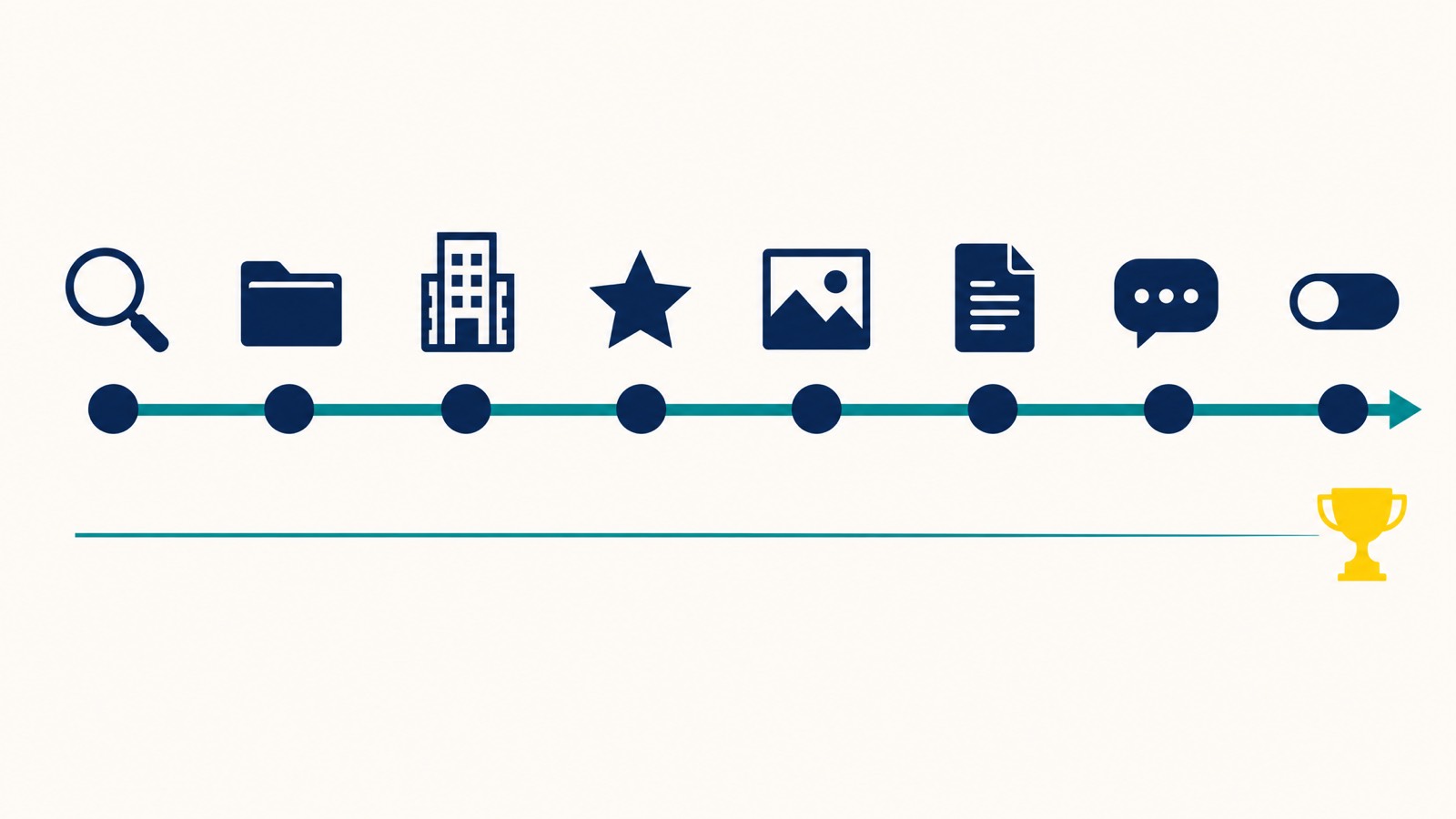
Step 1: Identify your real local competitors
The most common mistake is auditing the wrong business. The brand the owner hates is usually not the one taking their leads. The real competitor is the one Google is putting in front of buyers across the suburbs the business actually serves.
When I do this for a Perth or Sydney client for the first time, the most common surprise is that two of their “main competitors” don’t actually rank in the target suburbs at all. Run the grid before you build the shortlist.
A geo-grid scan drops checkpoints at multiple geographic points around your service area and reports who ranks at each one, instead of giving you a single rank from your office chair. Local Falcon’s Share of Local Voice (SoLV) is the agency-standard metric for this. It tells you how often a business sits in the top three of the local pack across the grid you scanned. BrightLocal and Whitespark offer similar grid tools. Our walkthrough of geo-grid local ranking tools covers the setup if you have not used one before.
Scan at 3x3 or 5x5 for a single suburb. Scale up to 11x11 or 13x13 if you serve a wider metro footprint like Perth, Sydney, or Melbourne. Note the businesses that appear in the top three at most points, not the ones that flicker in once near your pin.
You want three to five shortlisted competitors, captured in a sheet, with:
- Business name
- Primary category visible on their profile
- Distance from your pin
- Total reviews
- Average rating
- Where they outrank you on the grid
Watch for rotation. Service-area businesses (mobile mechanics, mortgage brokers, locksmiths) often compete in suburbs they do not have premises in. That’s normal in Australia, and it changes who counts as a real competitor depending on where you scan. Our guide to identifying your local competitors goes deeper on the shortlisting logic.
End Step 1 with a shortlist. Don’t move on until you have it.

Step 2: Extract their profile data
This is where most articles wave their hands and tell you to “look at categories and reviews”. Here is the actual extraction.
Open the competitor’s profile on Google Maps in a desktop browser. Install one of the free Chrome extensions practitioners use to surface what Google hides: GMB Everywhere or PlePer. Both still work in 2026, both display primary and secondary categories beside any listing on Maps, and GMB Everywhere’s Local Scan can pull up to 20 businesses into a side-by-side comparison view in one click.
For each shortlisted competitor, capture the 5 Kings (NAPUC): Name, Address, Phone, URL, Categories. Then layer everything else underneath. The full set:
- Business name: does it match real-world signage, or has the competitor stuffed keywords or a city name in? Google’s guidelines don’t permit either unless the stuffed words form part of the legal business name.
- Primary category: this is the single biggest map pack signal. Note it. Business categories carry more ranking weight than any other single GBP element in the 2026 LSRF, so this row drives the rest of the audit.
- Secondary categories: up to nine more slots, ten in total. Note every one.
- Address visibility: note whether the competitor shows a public address or hides it as a service-area business. Pure SABs (mobile mechanics, plumbers, locksmiths, home cleaners) are required by Google to hide the address, showing a residential or virtual address is a textbook suspension trigger. Hybrid businesses with a real, staffed storefront that also travel to customers should show the storefront and set a service area on top of it. If a competitor SAB is somehow showing an address Google would normally reject, that’s a flag worth noting, not a tactic to copy.
- Hours accuracy: including public holidays. Whether a business is open at the moment of search is now a top-five map pack factor.
- Predefined services: Google’s curated list of services tied to each category. The 2026 LSRF noted predefined services jumped from importance position 81 to 22 in a single year.
- Custom services: services the competitor wrote in beyond Google’s predefined list.
- Attributes and highlights: accessibility, woman-owned, family-owned, identity attributes. The full list of why these matter is covered in our piece on GBP attributes.
- Products: if applicable.
- Booking or messaging buttons: booking integrations and message buttons signal commercial intent to Google.
- Q&A activity: has the owner seeded any questions? Are customer questions answered?
Sterling Sky’s testing, led by Joy Hawkins and Colan Nielsen, is some of the most reliable category-strategy work in the industry. Two findings worth carrying into your audit.
First, the primary category swings rankings hard. One HVAC company switched their primary from “Air Conditioning Repair Service” to “Air Conditioning Contractor” and dropped from position one to position 31 overnight. Reverting the change brought them back inside two weeks. If a competitor is outranking you with a category that’s closer to the customer’s actual search term, that’s the first thing to look at.
Second, more categories help rather than dilute. Sterling Sky’s tests show that adding relevant secondary categories increases visibility for related queries rather than weakening the primary. Google’s own guideline (“choose the fewest categories that describe your business”) is wrong in practice, as far as ranking outcomes go. You can pick up to ten. Use them.
The dilution fear is a leftover from older guidance and outdated forum advice. Practitioner data has overturned it. If a competitor is using categories you legitimately qualify for and you’re not, that’s a gap you can close today.
End Step 2 with a populated row in your sheet for every competitor. Compare their categories and services to yours. Note every gap.
For broader context on what Google is actually rewarding in 2026, our explainer on the top seven Google Maps ranking factors covers the priority order.
Step 3: Read their reviews like a strategist
Reviews still matter, and the weight has been climbing in every Whitespark survey for the last five years running. They sit at roughly 20 percent of map pack signal weight in the 2026 LSRF. The trick is to read them strategically, not just count them.
For each competitor, capture:
- Total review count and average rating.
- Velocity in the last 30 days: how many new reviews this month.
- Recency: how long since the most recent review.
- Owner reply rate and reply quality: are they replying to every review or just the positive ones? Are the replies generic or specific?
- Keywords inside customer reviews: when customers naturally describe the service they received using your target keywords, Google reads that as a relevance signal. Note the language patterns.
- Negative review themes: what do customers complain about? That tells you where the competitor is weak in the real world.
Two practical numbers worth knowing. The practitioner-observed cutoff for staying inside the map pack consistently is around 4.2 stars. Below that, profile inclusion tends to drop. To actually convert calls and direction requests off the listing, aim for 4.5 or higher.
A note on review trust. BrightLocal’s 2025 Local Consumer Review Survey found that the share of US consumers who trust online reviews as much as personal recommendations fell from 79 percent in 2020 to 42 percent in 2025. Australian behaviour likely tracks similarly, even if the AU sample data is thinner. The practical read: reviews still influence the ranking, but the response is what closes the buyer. Generic “Thanks for the kind words” replies do less work than they used to. If you want to go deeper on response strategy, our guide on handling negative Google reviews covers the C.A.R.E. structure I use.
End Step 3 with a velocity comparison. If their velocity is eight new reviews a month and yours is two, you have found a gap you can close in 90 days with a proper review-request system.
Step 4: Photos, posts, and profile freshness
Freshness is the lazy-versus-active divide. Most competitors lose ground here, not because they cannot rank, but because they stopped feeding the profile after the first month.
For each competitor, note:
- Photo count and recency: anything under 20 photos is thin. Past 50 recent photos signals an actively maintained profile.
- Virtual tour or 360 photos: strong local-pack signal post-2024.
- GBP posts published in the last seven days: posts expire after seven days, so cadence is everything. Our piece on Google Business Profile posts covers the format choices.
- Q&A: has the owner seeded common buyer questions? Pre-answered Q&As show in the knowledge panel.
The 2026 LSRF also noted that the quality of engagement signals on a GBP (clicks, calls, direction requests) moved up 14 spots in importance, and in-store visits tracked by Google Maps moved up 32 spots. These are not signals you can fake. But you can see, by proxy, which competitors are getting more profile interactions by noting which ones have replies, recent posts, and an active feel.
End Step 4 with an honest read on whether the competitor’s profile looks alive. If yours looks dead by comparison, that’s the easiest gap to close.
Step 5: Off-profile signals (landing page, citations, AI search)
Most articles stop at the GBP. The full local SEO picture sits off-profile too, and a serious competitor audit needs to look here.
The landing page their GBP links to. Many businesses point their listing at the homepage and leave it there. Single-location operators can get away with it. Multi-location and service-area businesses cannot. Check whether the competitor links their GBP to a dedicated, suburb-specific landing page with a title tag that includes the target keyword and the city or suburb. That entity alignment between profile and page is a top-five organic ranking factor in the 2026 LSRF.
Citations and AU directories. For a long time citations had been declining in importance for traditional SEO. The 2026 LSRF flipped that. Citations are back, because large language models grounding their answers in directory mentions need consistent NAP data across the web. The AU directories that still carry weight are True Local, Yellow Pages AU, Word of Mouth, and hotfrog. Check whether the competitor has consistent listings across these. Inconsistency is a gap you can exploit.
Schema markup. Open the competitor’s landing page, inspect the source, and check for LocalBusiness schema. Many SMB sites still do not have it.
AI search visibility. New in the 2026 LSRF. AI Overviews, ChatGPT, and Gemini all use grounded searches and curated lists to build their answers. Whether a competitor appears on expert “best of” lists for your category is now a measurable signal. It’s too early in 2026 to give a clean playbook here, but it’s worth noting which competitors are getting picked up by AI assistants when you query for the service.
End Step 5 with notes on landing-page alignment, citation gaps, and schema presence.
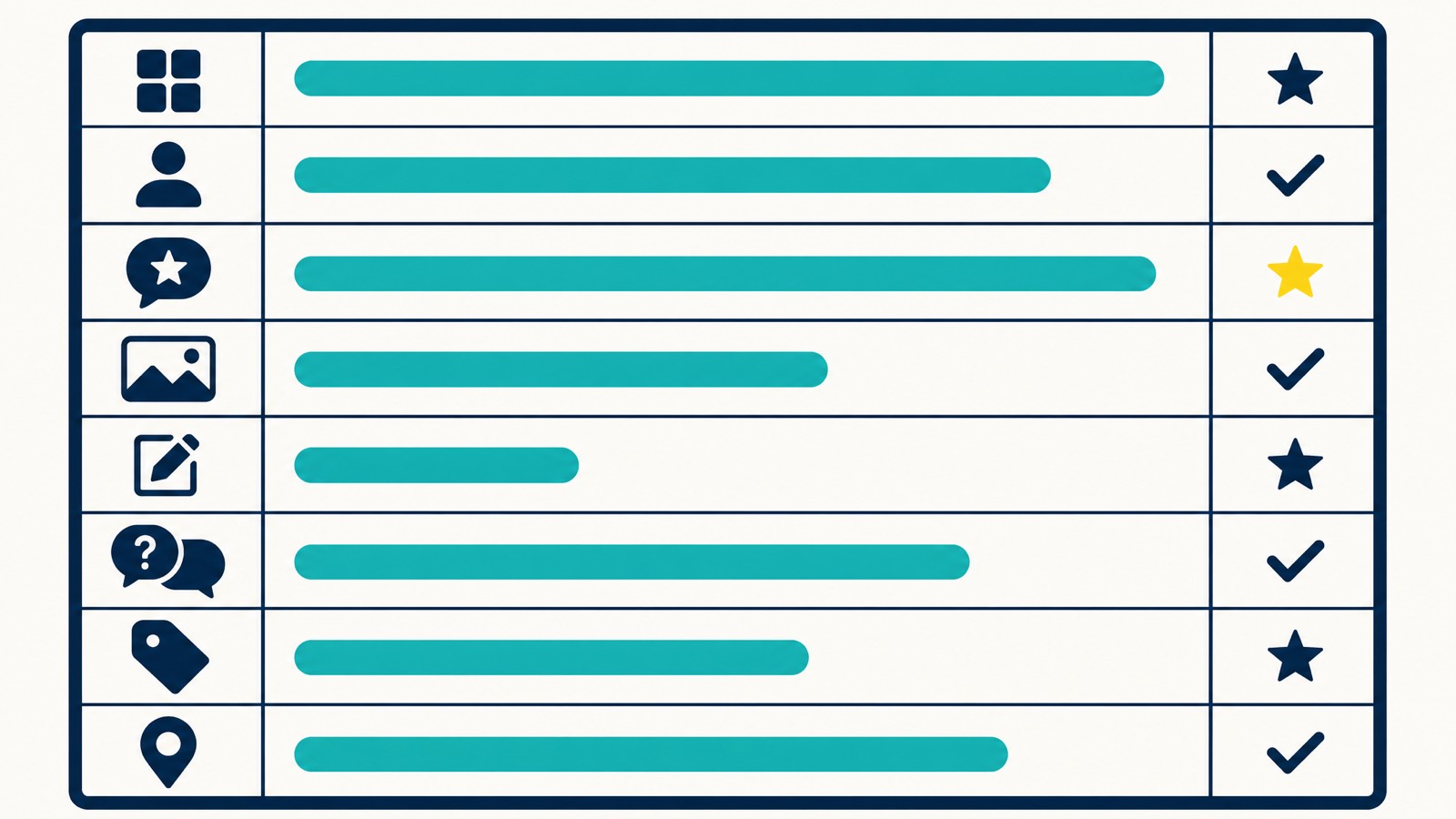
Step 6: Score the competitor (the scorecard)
This is the deliverable. The scorecard becomes your competitor audit checklist and the basis of any audit report you might hand to a client or a partner. Build a single sheet with one row per signal and one column per competitor plus a column for your own profile. Score each signal 0, 1, 2, or 3, where 3 means fully optimised and 0 means absent.
Here is the scorecard structure I use:
| Signal | Why it matters | Competitor A | Competitor B | You | Priority |
|---|---|---|---|---|---|
| Primary category match to top search term | #1 map pack signal in LSRF 2026 | High | |||
| Secondary categories filled (count of 10) | More categories = more queries you can rank for | High | |||
| Business name compliance (no stuffed keywords) | Compliance + audit-proof | High | |||
| Address visibility | Hidden address now penalised for SABs | High | |||
| Hours accurate (incl. holidays) | “Open now” is a top-five signal | High | |||
| Predefined services selected | Jumped from #81 to #22 in 2026 LSRF | High | |||
| Custom services populated | Long-tail relevance | Medium | |||
| Attributes / highlights filled | Surface in identity-led searches | Medium | |||
| Photo count (20+) and recency | Freshness signal | Medium | |||
| GBP posts in last 7 days | Posts expire after 7 days | Medium | |||
| Total review count | Prominence signal | High | |||
| Average rating (4.2+ floor, 4.5+ for conversion) | Inclusion + conversion | High | |||
| Review velocity (last 30 days) | Recency now beats volume | High | |||
| Owner reply rate (target 80%+) | Active management signal | Medium | |||
| Q&A seeded by owner | Knowledge panel coverage | Low | |||
| Booking / messaging enabled | Commercial intent signal | Medium | |||
| Landing page entity alignment | Suburb-specific page + matching title tag | High | |||
| LocalBusiness schema present | Crawler clarity | Medium |
Score every cell. Sum each column. The gaps between your column and the highest-scoring competitor’s column become your priority list.
That’s the audit. Everything below is what to do with it.
Step 7: Decide. Copy, ignore, or report
Most operators stop at “look at what they’re doing.” Step 7 is where the work pays.
Copy ethically. If a competitor is using a category you missed, that’s fair game. Add it if it actually describes services you offer. Predefined services they have selected and you have not, the same. Attributes you qualify for. A posting cadence you can match. A photo strategy you can adopt. The point of an audit is to close the genuine gaps, not invent fake ones.
Ignore the noise. The competitor’s description prose is too specific to them to copy meaningfully. Their staff photos are not your assets. Their unique offer copy is not portable. Don’t waste time mimicking content that only works because of who they are.
Report the violations. Two pathways exist, and they are not interchangeable.
Suggest an Edit on Google Maps is the quick path. Open the competitor’s listing on Maps, hit “Suggest an edit”, and propose a correction (for example, removing stuffed keywords from the business name to leave the real trading name only). It’s fast. Enforcement is inconsistent. Some edits land in minutes. Others sit in a queue indefinitely.
The Business Redressal Complaint Form is the formal path. Use it for fraud-grade violations: keyword-stuffed names with no legal trading basis, fake addresses at virtual offices or residential locations, large-scale spam across multiple listings. The form expects evidence. Screenshots of the competitor’s real signage, ASIC business name registration, Google Street View of the address, and any documentation that proves the legal name. Submit ten or more violations at once if you have them, per Google’s own guidance, for faster review.
Be honest with yourself about the timeline. Reports can sit unactioned for weeks. The right framing is: report the spam, then keep building your own profile properly while you wait.
One Australian-specific note. There is no “Doing Business As” registration system in Australia the way there is in the United States. The closest equivalent is ASIC business name registration. If a competitor’s name is registered with ASIC as “Best Plumber Perth Pty Ltd”, that’s their legal trading name and they are not in breach for using it on their listing, even if it looks like keyword stuffing. Check ASIC first before reporting. You can search the ASIC business name register in under a minute.
Step 8: Set a monitoring cadence
A single audit is a snapshot. The value comes from the trend.
A practical cadence:
- Weekly (5 minutes): run a quick map pack check from your office and one suburb you want to win. Note any rank movement.
- Monthly (30 minutes): log into your geo-grid tool and pull a fresh scan. Note any new competitors. Check review velocity for your shortlist.
- Quarterly (60 to 90 minutes): re-score the full scorecard. Compare against the previous quarter. Adjust your priorities.
Set up Google Alerts for competitor brand names so brand mentions and press hits don’t catch you off guard. If you are tracking grid rankings already, our breakdown of geo-grid rank tracking covers the alerting setup.
Document everything in a single sheet so the data compounds. Six months of monthly snapshots is more useful than one perfect audit.
Tools for auditing competitor Google Business Profiles
A short, honest comparison. None of these is “the best”. They sit at different points in the workflow.
| Tool | Best for | Pricing |
|---|---|---|
| GMB Everywhere | Category and attribute extraction, side-by-side Local Scan of up to 20 listings | Free tier; paid for deeper data |
| PlePer | Category research, listing data, place ID lookups | Free tier; paid plans |
| Local Falcon | Geo-grid rank tracking, Share of Local Voice, competitor grid analysis | Paid only |
| Whitespark | Local Search Ranking Factors reference, citation tracking, listing services | Paid only |
| BrightLocal | Citation audit, local rank tracking, GBP audit reports | Paid only |
| Semrush Local | Listing management, organic SEO context, broader keyword tracking | Paid only |
| Google Maps (manual) | Always-available baseline; categories, photos, posts, hours | Free |
If I were starting from zero on a tight budget, GMB Everywhere plus Google Maps plus a basic spreadsheet covers 70 percent of what you need. Add Local Falcon when you need the grid data to be defensible in a client report.
What NOT to copy
A few tactics show up in competitor audits regularly. Don’t copy them, even if the competitor is ranking on them.
Keyword stuffing in the business name. Common, tempting, against Google’s guidelines, and the easiest signal for a reviewer to spot when your profile gets flagged. The short-term ranking lift is not worth the suspension risk.
Fake addresses or virtual offices. Service-area businesses pretending to have a physical premises in suburbs they don’t operate from is the fastest path to a hard suspension. The 2026 LSRF actually penalises hidden or buggy addresses on SABs, which makes this tactic worse than it used to be.
Review gating or fake reviews. Selectively asking only happy customers for reviews, or buying reviews from anywhere, breaches Google’s policies and Australian Consumer Law. We covered the consumer-law side in our piece on handling negative reviews.
Categories that don’t actually apply to your business. Sterling Sky’s “semi-unrelated category” tactic has a defensible line, but the line matters. Adding “Christmas Shop” because you install holiday lights in December is one thing. Adding “Orthodontist” because you sell whitening kits is another. The closer you stretch, the more you expose yourself to a category-misrepresentation suspension.
The audit is to find genuine gaps. It is not to find shortcuts that risk your own listing.
Australia-specific notes
A few things differ between the US-built guides and what actually works in Australia.
Suburb proximity beats city proximity. A “Perth plumber” search from Joondalup ranks differently to the same search from Fremantle. Your ranking radius in WA, NSW, and VIC is suburb-scale, not city-scale. Plan your grid scans accordingly. The detail sits in our Google Maps proximity ranking piece.
Service-area businesses are common. Mobile mechanics, mortgage brokers, locksmiths, electricians who work across whole metros. For a pure SAB with no public location, the right move is to hide the address and define the service area, Google’s own guidelines require this if customers don’t visit you at that address, and showing a residential or virtual address is one of the most reliable ways to get a profile suspended. If you also have a real, staffed storefront, then show the storefront and set a service area on top of it (the hybrid model). Hybrid profiles tend to outperform pure SABs in the LSRF data, but that’s because of the trust signals attached to a verifiable storefront, not because faking a visible address would help. See our guide on why we only recommend front-end edits on GBP and the 5 Kings framework for the suspension risks here.
No DBA system. Already covered above. Use ASIC business name registration to verify a competitor’s legal trading name before you report them.
AU directories that still matter. True Local, Yellow Pages AU, Word of Mouth, hotfrog. Plus industry-specific ones (HiPages and Oneflare for trades, Drive for automotive, Cracker for real estate). NAP consistency across these matters more now than it did 18 months ago, because LLMs ground their answers in directory data.
Australian English in your own profile. Write “optimise”, “centre”, “analyse”. A profile written in US English on a Perth or Sydney listing looks foreign to buyers and can read as low-effort.
FAQs
How often should I audit a competitor’s Google Business Profile?
Weekly light checks (five minutes, map pack movement). Monthly mid-checks (review velocity, new photos, new posts). Full quarterly scorecard re-runs. The trend is more useful than any single snapshot.
Is 4.2 a good Google rating?
It is roughly the floor for staying inside the local pack consistently. Below 4.2, practitioners report inclusion drops. To actually convert calls and direction requests off the listing, 4.5 and above is a safer target.
Can I see what categories my competitor uses?
Yes. Install GMB Everywhere or PlePer in Chrome. Both show primary and secondary categories beside any listing on Google Maps automatically. PlePer also exposes place IDs and other listing data useful for deeper audits.
Can I report a competitor for keyword stuffing in their business name?
Yes. Use Suggest an Edit on Maps for quick edits. Use the Business Redressal Complaint Form for fraud-grade or repeated violations. Provide evidence, and check the ASIC business name register first so you don’t report a competitor whose stuffed-looking name is actually their legal trading name.
Can Google Analytics show me competitor data?
No. GA4 reports only on your own properties. For competitor visibility, use the GBP Performance tab on your own listing for benchmarking, and Local Falcon or BrightLocal for grid rank comparisons.
Are Google Business Profiles still important in 2026?
Yes. GBP signals make up roughly 32 percent of map pack ranking weight in the 2026 LSRF, and primary category is the single most influential signal. Citations are also back in 2026 because AI search models ground their answers in directory data. The profile and its off-site footprint matter more than ever.
How long does a competitor GBP audit take?
Sixty to ninety minutes per competitor the first time, scoring the full scorecard. Once the scorecard is built and your sheet is structured, monthly check-ins are 15 to 30 minutes. Weekly map pack checks are five minutes.
What is the difference between Suggest an Edit and the Redressal Form?
Suggest an Edit is a community-style edit anyone can make from a Maps listing. Fast, inconsistent enforcement, low success rate against persistent violators. The Business Redressal Complaint Form is a formal complaint for fraud-grade violations on name, phone, URL, or address. Slower, expects evidence, more rigorous when it does land.
Want this done for you?
I’ve been doing SEO since 2013. Search Scope, the agency, has been running local SEO and Google Maps SEO work for Australian operators since 2021. The scorecard above is a snapshot of the local ranking signals we audit on every engagement before we touch a thing, and the same structure we hand to clients.
If you want it run at agency depth (the geo-grid scans, the citation gap analysis, the schema check, the report-list submissions), the next step is a 30-minute call.
Book a 30-minute strategy call or email [email protected].
For the broader picture of how this fits into Google Business Profile work generally, our GBP optimisation pillar is the next read.